
Your product as the reference
Upload the product photo first. The tools build the scene around it rather than inventing a new product.
AI Product Photography
Start with a photo of your product and describe the setting. Vizaido creates studio shots and lifestyle scenes that keep your product recognisable.
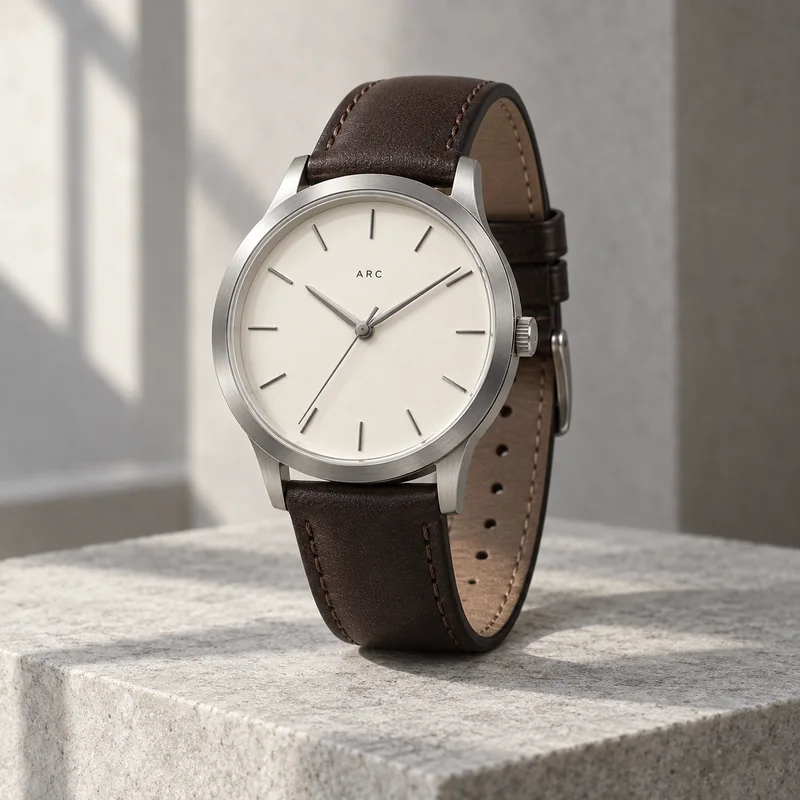
Your product reference → a new campaign setting
WHAT YOU CAN CREATE
Upload the product photo first. The tools build the scene around it rather than inventing a new product.
In Image Studio, Vizaido Studio is tuned for accurate products and edits; Vizaido Create is for bolder concepts.
Creative Studio has a Product Photography type with Nano Banana 2.1 when you want several references or 4K output.
Every image you make is saved in your Library, ready to reuse in an ad or a video.
THE WORKFLOW
Use a clear photo with the label and shape fully visible.
Surface, light and mood: marble and soft daylight, or a warm kitchen counter.
Check the label and fine details against your original, then download.
Begin with a clear reference. Show the product shape and label clearly. Describe the new environment separately, then compare each output with your original.
CREATIVE DIRECTION IN PRACTICE
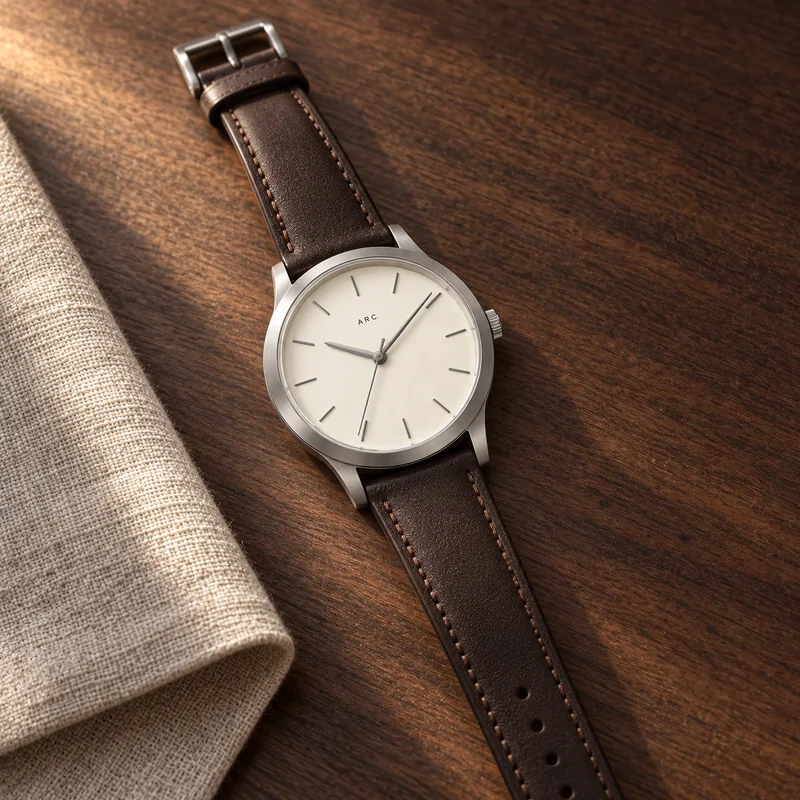
The same ARC watch in soft studio light and a richer lifestyle setting. Inspect labels and fine details in each generation.
BUILT AROUND YOUR WORK
Plan a clean background and a useful angle so the product stays easy to read at a small size.
Explore lighting, surfaces and props that fit a launch without changing the product itself.
Compose around the placement, leaving space for the message you will add in an ad or poster.
WHY VIZAIDO
A strong product image can become the start frame of a cinematic video or the input to the AI Ad Director. Everything you make stays in your Library.
See plans and credit allowances ↗The tools use your photo as the reference, and Vizaido Studio is tuned for accurate products. Always compare labels and small details with the original.
Image Studio with Vizaido Studio for straightforward, accurate product shots; Creative Studio's Product Photography type for more references or 4K.
Yes. Use the image as the start frame in Cinematic Video, or ask the Agent's AI Ad Director for an ad video.
CREATE WITH VIZAIDO